Ask any course creator where their time went and the answer is editing. Ask what learners noticed, and most of that work does not appear in the answer.
The way to spend less time editing is mostly to record differently.
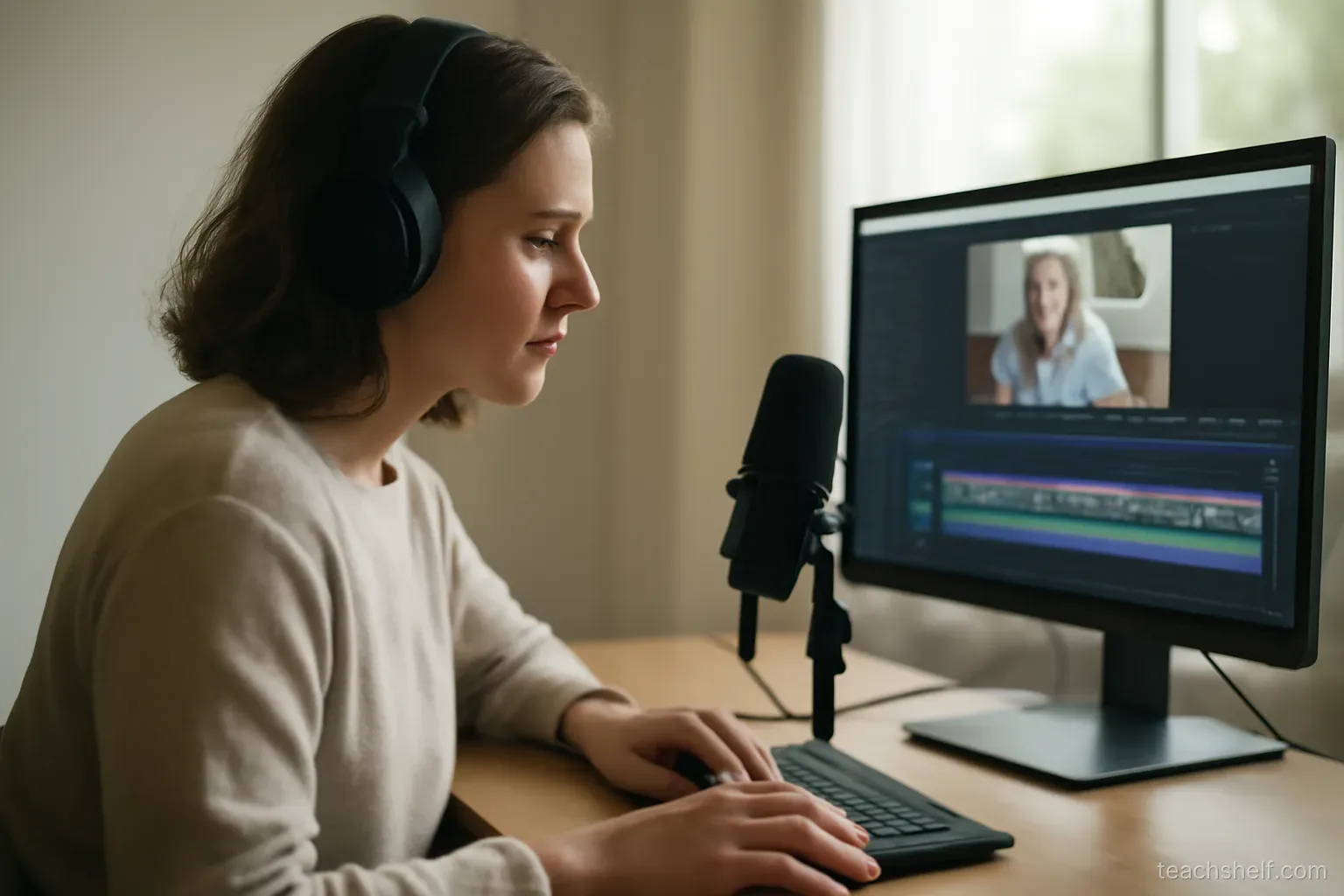
Recording habits that cut editing time
- Script the first and last thirty seconds exactly. Openings and endings are where most retakes happen.
- Use bullet notes for the middle, not a full script — full scripts sound read, and reading badly costs more editing than speaking imperfectly.
- When you make a mistake, pause, then restart the sentence rather than the take. A clear pause is easy to find and cut.
- Clap or tap once after a bad section — the spike in the waveform is instantly visible.
- Record in short segments — one idea per file. Fixing one segment is easier than re-recording a long take.
- Do not stop for small stumbles. Learners tolerate natural speech; they do not tolerate a lesson that never gets released.
What to cut and what to leave
Cut:
- Long pauses and dead air.
- False starts and repeated sentences.
- Anything where you correct yourself and then say it properly.
- Setup and waiting time — logging in, loading, installing.
Leave:
- Natural pauses between ideas — learners need them to process.
- Small verbal habits. Removing every one produces speech that feels unnatural and takes hours.
- Moments of genuine thinking, which help learners more than polished delivery.
- Minor mistakes you catch and correct naturally — these actually build trust.
Where the time really goes
- Fixing audio — much of which is avoidable by recording in a better spot with a better microphone.
- Removing every imperfection — the largest single time sink, and the one with the least return.
- Adding effects that no learner asked for.
- Re-recording whole lessons for one bad section, usually because it was recorded as a single long take.
- Deciding rather than editing — going back and forth on a lesson you have already fixed.
Batching
- Record several lessons in one session — setup and warm-up are per-session costs, not per-lesson.
- Edit in a separate session from recording. Switching between the two is slow and makes you overly critical of what you just recorded.
- Do one task across all lessons — all the cuts, then all the audio, then all the exports.
- Keep a consistent setup so lessons match and you are not adjusting settings each time.
Audio first
- Audio quality matters far more than video quality for learner satisfaction — this is consistent across every kind of instructional video.
- A basic dedicated microphone close to your mouth beats an expensive camera every time.
- Record in a soft room — soft furnishings, curtains, avoid hard empty spaces.
- Turn off fans, notifications and anything humming before you start.
- Record ten seconds of room silence at the start — noise reduction tools use it.
- Listen back on headphones before recording the whole set.
Screen recording specifics
- Increase font sizes before recording — text that is readable on your monitor is unreadable on a phone.
- Clean your screen — close tabs, hide bookmarks, use a neutral background, and disable notifications.
- Move deliberately and slowly; fast cursor movement is hard to follow.
- Zoom in on the relevant area rather than showing the whole screen.
- Say what you are about to do before doing it.
Accessibility
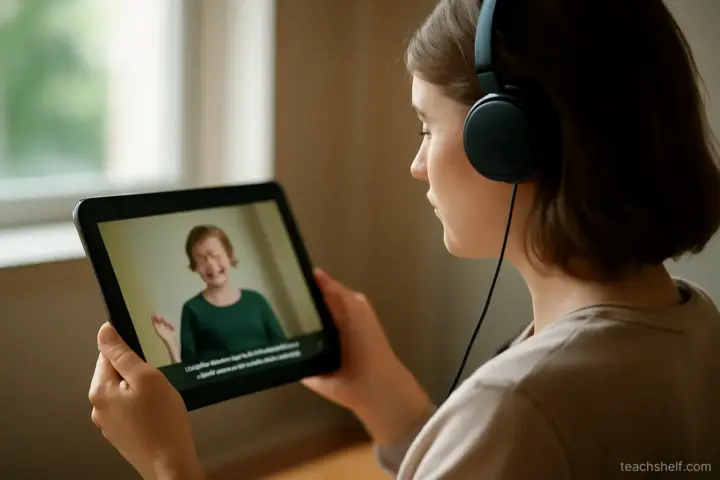
- Add captions. They help learners in noisy places, learners working in a second language, and learners with hearing difficulties — and auto-captions plus a quick correction pass is enough for most courses.
- Describe what is on screen verbally rather than pointing at something silently.
- Do not rely on colour alone to convey meaning.
- Provide a transcript where you can — many learners prefer to read.
Knowing when to stop
- Ask whether the change helps a learner understand. If not, stop.
- Set a time limit per lesson and hold to it.
- Release and improve later — you will learn more from feedback than from another editing pass.
- Accept that your early lessons will be worse than your later ones. This is true for everyone and is not a reason to delay.
One thing worth remembering
Learners do not remember your production quality. They remember whether they understood the thing.
Every hour spent on polish is an hour not spent on a clearer explanation — and only one of those changes the outcome.
Frequently asked questions
How do I reduce editing time?
Mostly by recording differently — script only the opening and closing, pause and restart the sentence rather than the take when you stumble, and record in short one-idea segments.
What should I leave in rather than cut?
Natural pauses between ideas, small verbal habits, moments of genuine thinking, and minor mistakes you correct naturally — those build trust.
What is the largest time sink?
Removing every imperfection. It takes the most hours and returns the least, because learners tolerate natural speech.
Does video or audio quality matter more?
Audio, consistently. A basic dedicated microphone close to your mouth beats an expensive camera every time.
What should I do about captions?
Add them — they help learners in noisy places, second-language learners, and learners with hearing difficulties. Auto-captions plus a quick correction pass is enough for most courses.