New course creators tend to fall into one of two camps. Some write every word, record while reading, and end up with lessons that are accurate but sound like an announcement at a railway station. Others refuse to script at all, press record, and produce twelve-minute videos that should have been five, full of so, basically, what I want to say here is. Learners notice both, and both make lessons harder to follow.
The useful approach sits in between: a structure written down tightly, some lines written word for word, and the rest spoken from notes you have rehearsed. This article walks through that method lesson by lesson.
Decide the job of the lesson in one sentence
Before any script, write one sentence that finishes After this lesson, the learner can… If the sentence needs the word and twice, the lesson probably wants to be two lessons. This sentence is your test for every line that follows: if a line does not help the learner do that thing, it is a candidate for cutting.
Examples of a clear job:
- …set up a weekly lesson plan template in a spreadsheet.
- …recognise the three signs that a toddler is ready for toilet training.
- …price a one-off workshop using cost per head.
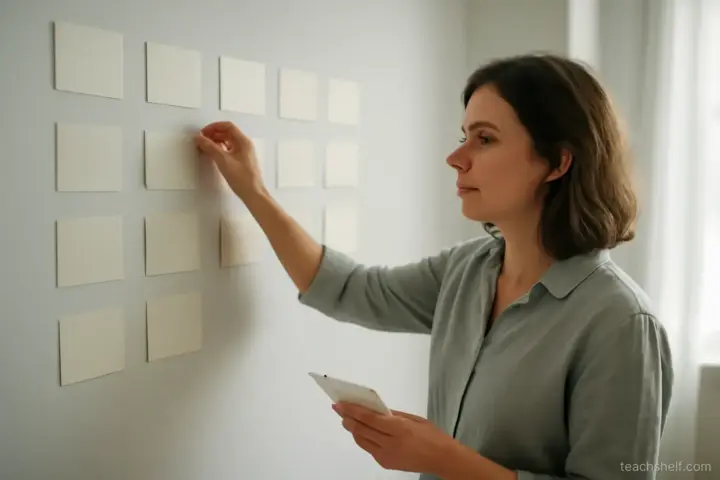
Build a beat sheet, not a script
A beat sheet is a list of the moves the lesson makes, each in a few words. For a six-minute lesson, it rarely has more than eight beats.
- Hook: the problem this solves, in one or two sentences.
- What we will do, briefly.
- Step one, with the reason.
- Step two, with a common mistake.
- Step three, shown on an example.
- Quick check: a question for the learner.
- Recap in one line.
- What to do now: the exercise or next lesson.
Writing beats first stops you from polishing sentences in a section that should not exist. It also lets you rearrange the order cheaply. Many lessons improve simply by moving the example earlier.
Which lines to write word for word
Some parts of a lesson benefit from exact wording. Write these out in full and learn them, or keep them on a prompter:
- The first two sentences. Openings are where people ramble most, and where learners decide whether to keep watching.
- Definitions and rules. Anything the learner might later quote or apply exactly.
- Instructions for the exercise. Ambiguous instructions create support emails.
- The final line. A clean close stops you trailing off with so yeah, that is it, I guess.
Everything else can be spoken from the beat sheet. You will sound like a person explaining something, because you are.
Draft out loud, then write
Written English and spoken English are different. Sentences that read well often contain clauses no one says aloud. A faster route is to talk through each beat, recording on your phone, then transcribe and tidy. You keep your natural rhythm and lose the long written sentences.
When tidying, look for:
- Sentences over about twenty words. Split them.
- Abstract nouns. The implementation of the template becomes setting up the template.
- Throat clearing. What I want to talk about now is can almost always go.
- Words that only make sense with the screen. This one here needs to name what this is, because a learner listening while glancing away will lose you.
Length targets that keep lessons watchable
There is no magic number, but a few rough guides help when planning:
| Lesson type | Typical length | Notes |
|---|---|---|
| Concept explanation | 3–7 minutes | One idea, one example |
| Software or practical demo | 5–12 minutes | Split at natural save points |
| Worked example | 6–10 minutes | Pause prompts for learners to try first |
| Introduction to a module | 1–3 minutes | What and why, nothing else |
Spoken English runs at roughly 130–160 words per minute for most people teaching calmly. A beat sheet plus fixed lines that would take about 700 words to say gives a five-minute lesson. If your draft is twice that, cut before recording, not in the edit.
Recording with a script without sounding read
If you use a teleprompter
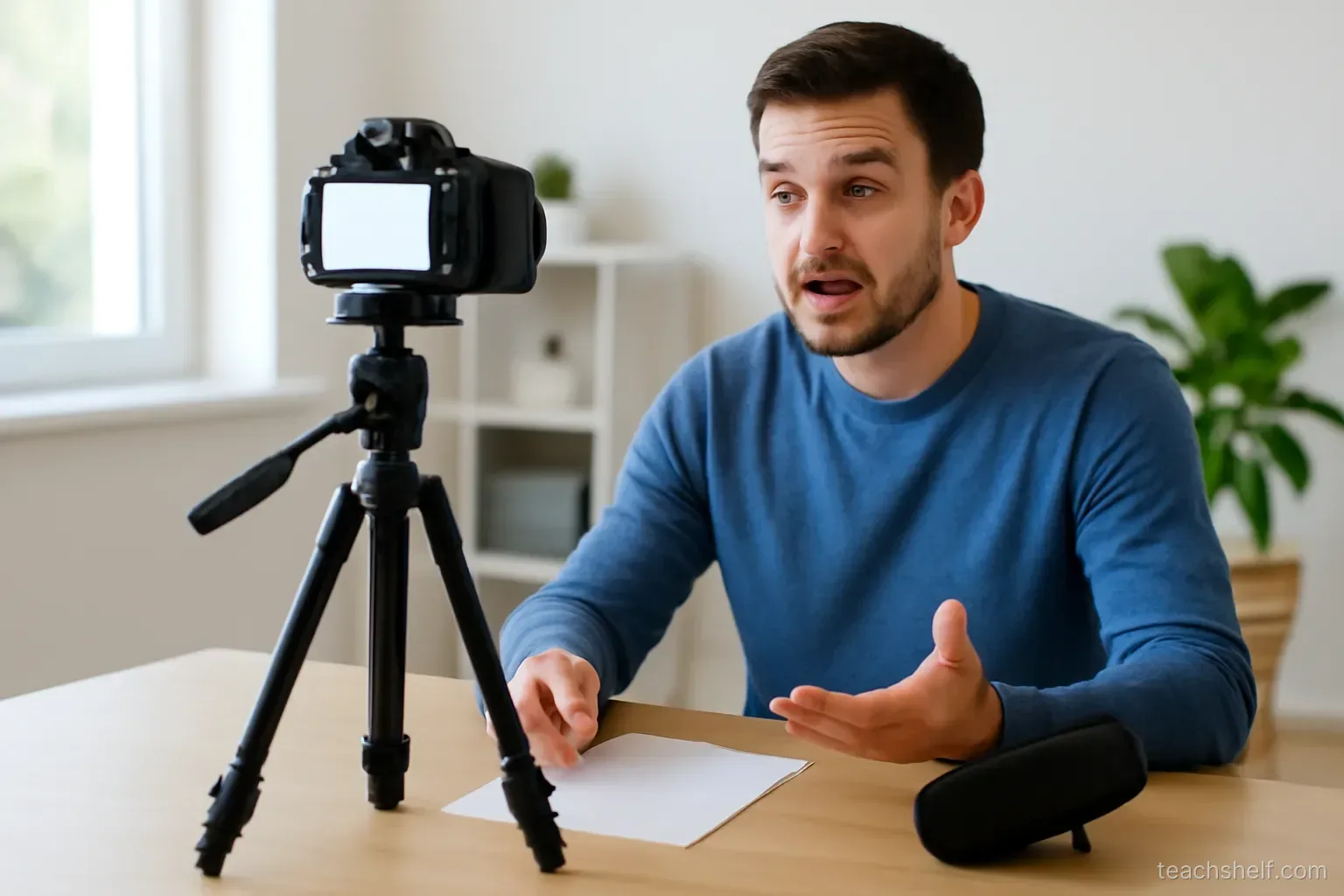
Teleprompter apps on a tablet or phone placed close to the lens work well for the fixed lines. Keep the scroll speed a touch slower than feels natural, put line breaks where you would breathe, and look through the text rather than at it. Reading a whole lesson from a prompter is the fastest way to sound flat; use it for the opening, definitions and close, and speak the middle from bullet points on the same screen.
If you use notes
Print the beat sheet in large type and place it just below the camera. Record each beat as a separate take. Short takes are easier to redo and easier to edit, and they stop one stumble from ruining a five-minute recording.
Rehearse once, record twice
Say the lesson through once without recording. Then record. The second take is usually the keeper; the third often starts to sound tired.
Mistakes that show up on camera
- Apologising. Sorry, this is a bit boring, but… tells the learner to stop paying attention.
- Repeating the slide. If the slide says it, you do not need to read it; explain why it matters instead.
- Long promises. In this lesson we will cover A, B, C, D and E takes thirty seconds and is forgotten by the time you reach C.
- No pause for the learner. Build in a line such as pause the video and try the next row yourself where it fits.
- Ending without a next action. Every lesson should end by telling the learner what to do now.
Scripting the screen as well as the words
For lessons with slides or screen recording, the script has a second column: what the learner sees at each beat. Writing this down catches two common problems before recording. The first is a slide that says everything you are about to say, so the voice adds nothing. The second is a long stretch of talking over a static screen, where the learner’s eyes have nothing to do.
A simple two-column layout works well:
- Left column: the beat, the fixed lines, the bullet points you will speak from.
- Right column: the slide, the part of the screen to zoom into, the moment to show the finished result, the point where you will highlight a cell or click a menu.
When you edit, this sheet also tells you where cuts can go without breaking the picture, which makes editing noticeably faster. It also helps if you later produce captions or a written version of the lesson, because the order of ideas is already laid out.
A reusable template
Checking the script with a real learner
Before recording a whole module, read two scripted lessons aloud to one person who matches your learner — a colleague new to the topic, or a past student. Do not ask whether they liked it. Ask them to do the thing the lesson promised, straight afterwards. Where they hesitate, the script skipped a step you no longer notice because you know the material too well. Fixing that on paper takes minutes; fixing it after recording means a reshoot.
Once you have written three or four lessons this way, keep the structure as a template: the one-sentence job, eight beats, four fixed lines, a target word count. Later lessons then take far less time to prepare, and the course gains a consistent rhythm that learners come to rely on.
Frequently asked questions
Should I write a full script for every course video?
Usually not. Write the opening, definitions, exercise instructions and closing line word for word, and speak the rest from a beat sheet you have rehearsed.
How long should an online course lesson be?
Most concept lessons work well at three to seven minutes. Demonstrations can run longer but are easier to follow when split at natural stopping points.
How many words per minute should I plan for?
Roughly 130 to 160 words per minute is a common pace for calm teaching. Use it to estimate length before recording.
Do teleprompters make videos sound robotic?
They can if you read everything from them. Using a prompter only for fixed lines and speaking the rest from bullets avoids most of that.
How do I stop rambling when recording?
Record each beat as a separate short take, and write your first two sentences and your final sentence in advance.