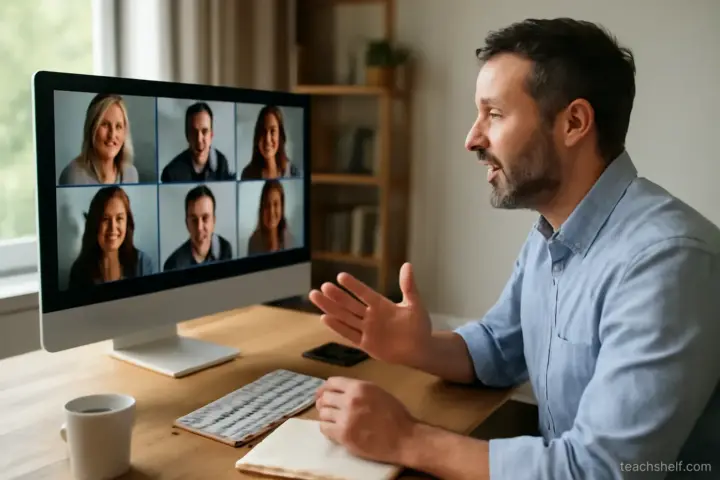
The most common mistake in live online teaching is simple: the session could have been a recording.
When that is true, attendance falls every week — and it should, because the learner's time is better spent watching later at double speed.
What live is actually for
Three things a recording cannot do:
- Answering the specific question this person has right now.
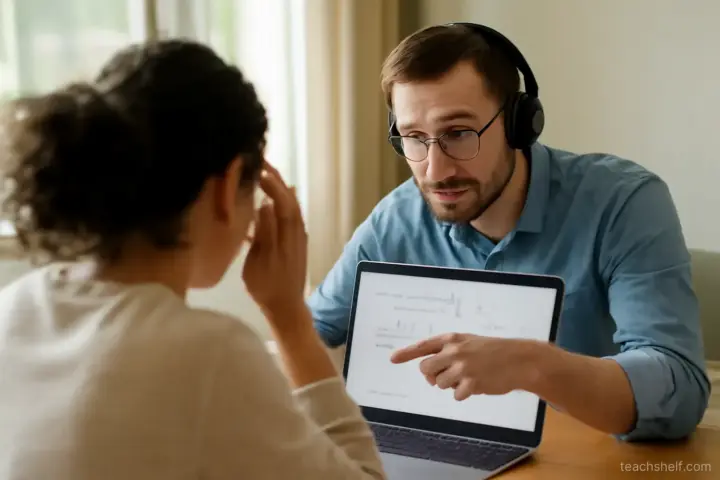
- Watching people attempt something and correcting them as they go.
- Interaction between learners — hearing that someone else is stuck on the same thing.
Everything else — explanation, demonstration, theory — is usually better recorded, because it can be paused and rewatched.
The design implication: record the teaching, and use live time for the three things above. This inverts how most courses are built, and it raises both attendance and satisfaction.
Structure for a live session
- Open with what this session will cover and what people should have done beforehand.
- Start on time. Waiting for latecomers punishes the people who arrived.
- Get people doing something in the first ten minutes — a question in chat, a quick task. Passive attendance is hard to reverse once it sets in.
- Alternate short input with activity — no more than ten to fifteen minutes of talking at a stretch.
- Leave real time for questions, not two minutes at the end.
- Close with what happens next and what to do before the next session.
Getting participation
Silence is the default in online sessions, and it is a design problem rather than an audience problem:
- Ask specific questions, not the open-ended ask-me-anything version, which reliably produces nothing.
- Give thinking time. Ask, then wait. The pause feels much longer to you than to them.
- Use chat as the low-barrier option — many people will type who will not speak.
- Use small breakout groups for anything requiring discussion; a group of three talks when a group of thirty does not.
- Invite people by name if you have a small group and know them.
- Acknowledge every contribution — the first few responses determine whether anyone else joins in.
Handling common problems
Nobody answers. Rephrase more specifically, or ask for a one-word answer in chat. Do not fill the silence yourself — that teaches people they can wait you out.
One person dominates. Thank them and redirect: ask to hear from someone who has not spoken. Do this early, before others disengage.
Attendance is falling. Ask the ones still coming what they value. Usually the answer is the interactive part, and the fix is more of it.
Different levels in the room. Give optional extension tasks for the faster learners rather than slowing everyone down.
Someone is stuck and it is taking over. Offer to help them after the session and keep the group moving.
Technical basics that matter
In order of impact:
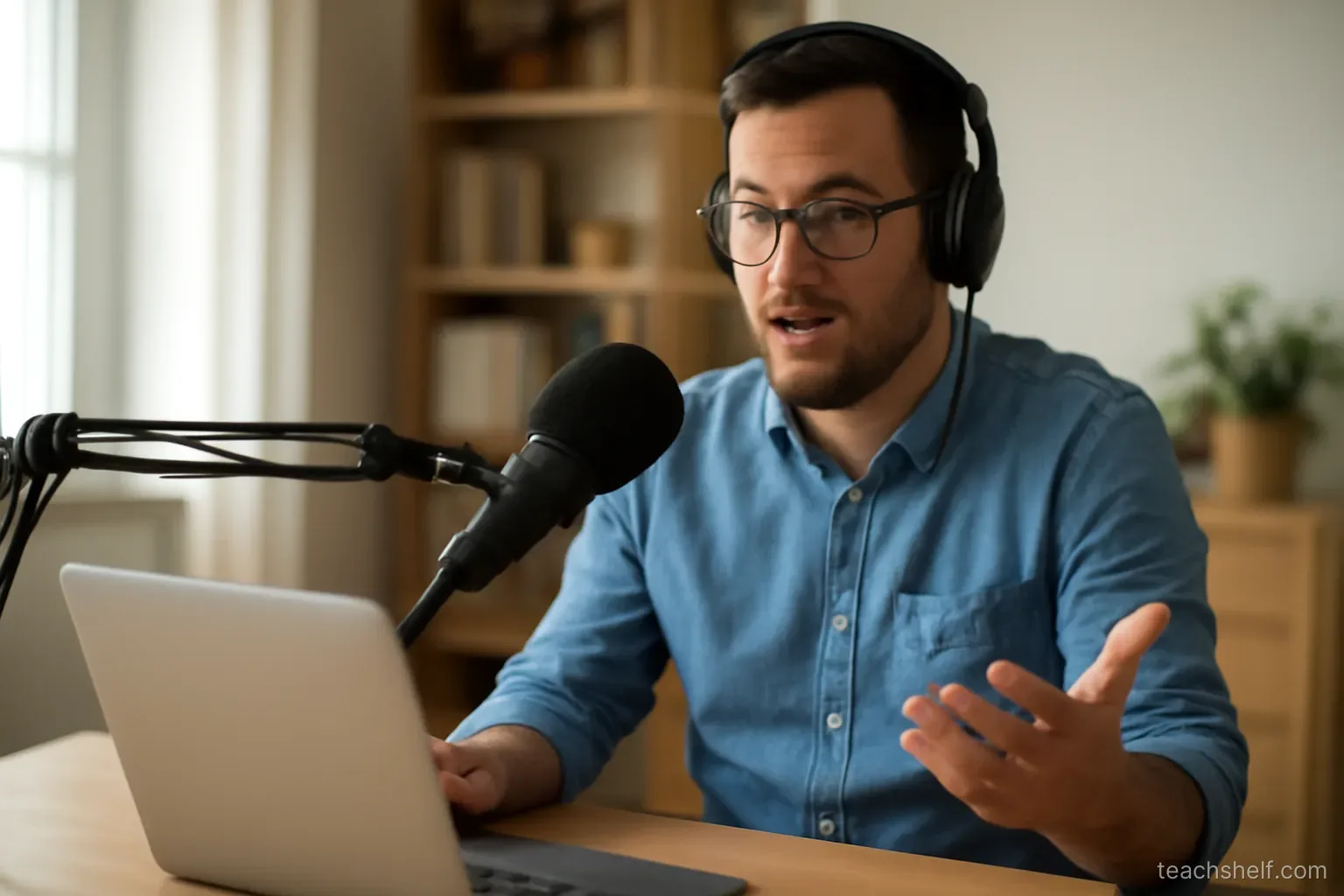
- Audio matters far more than video. People tolerate poor picture and leave over bad sound. A basic dedicated microphone is the highest-value purchase you will make.
- A wired connection if you can — it fails less than wireless.
- Light on your face, not behind you.
- Test screen sharing beforehand, including the exact thing you plan to share.
- Have a fallback plan — a phone with mobile data, and a way to tell people if a session has to be moved.
- Close everything else — notifications appearing during a screen share are both distracting and a privacy risk.
Recording live sessions
- Tell people before you start and say where it will be shared.
- Consider recording only your portion if participants discuss personal situations.
- Ask permission where participants are identifiable.
- Recordings reduce live attendance — expect this, and make live worth attending anyway rather than withholding recordings as leverage.
Time zones and scheduling
- State times with the time zone in every announcement.
- Send a reminder the day before and an hour before.
- If your group spans regions, consider rotating times or running two sessions rather than permanently disadvantaging one group.
- Keep sessions to a length people can actually sustain — attention online drops faster than in a room.
One thing worth remembering
Before every live session, ask one question: what will happen here that could not happen in a recording?
If you cannot answer it, the session does not need to be live — and your learners have already worked that out.
Frequently asked questions
What is the most common mistake in live online teaching?
Running a session that could have been a recording. When that is true, attendance falls every week — and it should.
What should live time be used for?
Answering the specific questions people have now, watching them attempt something and correcting as they go, and interaction between learners. Record the explanation instead.
How do you get people to participate?
Ask specific questions rather than 'any questions?', give real thinking time, use chat as the low-barrier option, and use small breakout groups for discussion.
What technical thing matters most?
Audio. People tolerate poor picture and leave over bad sound — a basic dedicated microphone is the highest-value purchase you will make.
Should I record live sessions?
Tell people before you start and say where it will be shared. Recordings do reduce live attendance, so make the live session worth attending rather than withholding recordings as leverage.