New instructors spend on cameras first — exactly backwards. Learners tolerate a plain frame for hours but abandon a course over muddy audio in minutes. Build your setup in this order.
Priority 1 — Audio: a quiet room and a close mic
Record in the smallest, softest room available (curtains and a wardrobe beat an empty echoey office). Any decent lavalier or USB microphone placed close to your mouth outperforms an expensive mic across the desk.
Priority 2 — Light: one window or one lamp, in front of you
Face the light source; never sit with a window behind you. A single soft light in front produces the clean, professional look that learners subconsciously trust.
Priority 3 — Camera: whatever you own
A recent phone at eye level, stabilised on a stack of real objects if needed, records better footage than most webcams. Eye level matters more than megapixels — looking down at learners feels wrong on both ends.
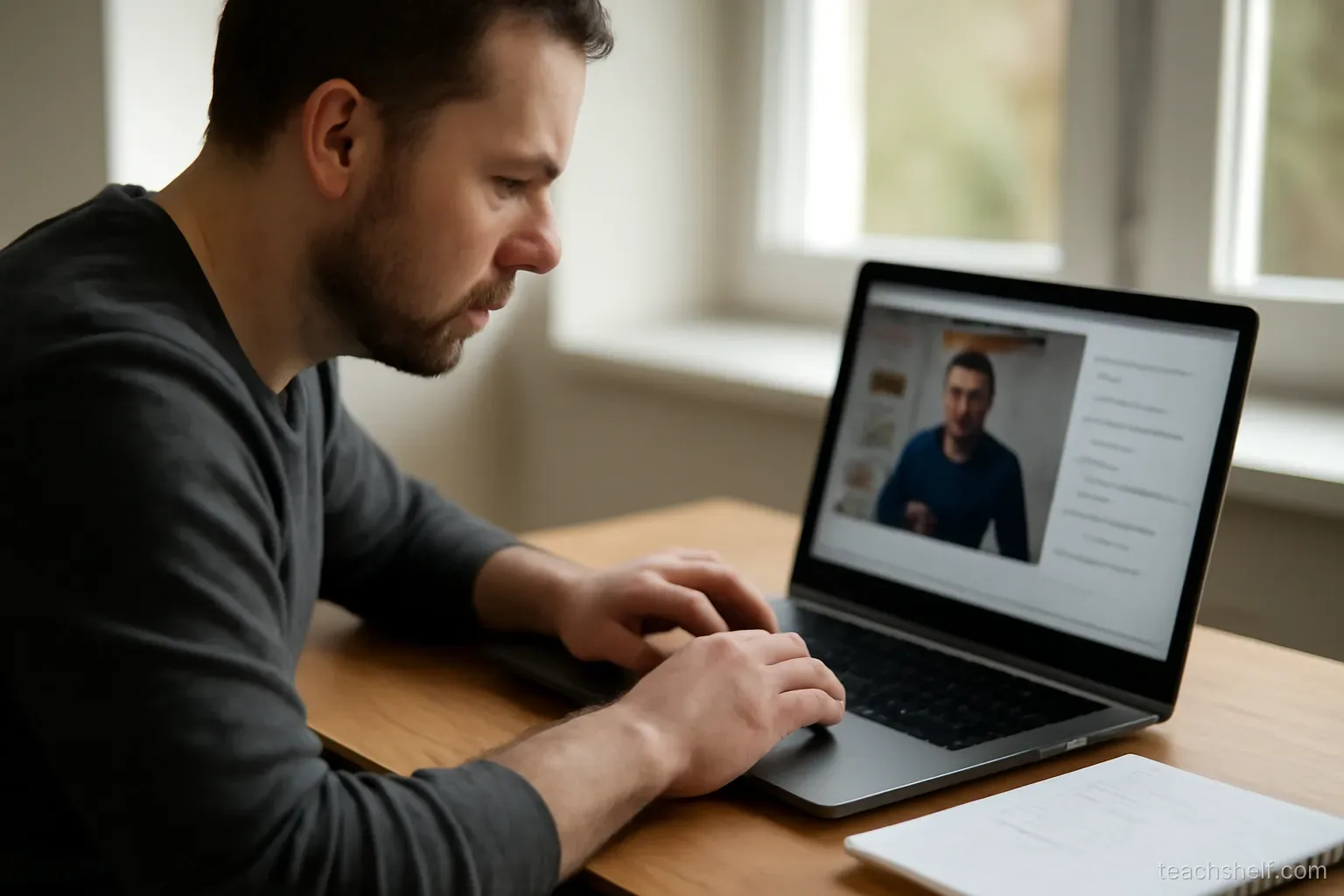
Screen lessons: record big, speak naturally
Bump your system font size before recording screen content, hide notifications, and narrate what you do as you do it. Fifteen-minute lesson chunks keep files manageable and attention alive.
Frequently asked questions
What is the one purchase worth making first?
A microphone in the $20–60 range. It upgrades every video you will ever record.
Do I need editing software skills?
Trimming the start and end covers most needs. Re-record short segments instead of learning complex editing.
1080p or 4K?
720p–1080p is the sweet spot for course video: sharp on every device, small enough to stream smoothly on mobile data.