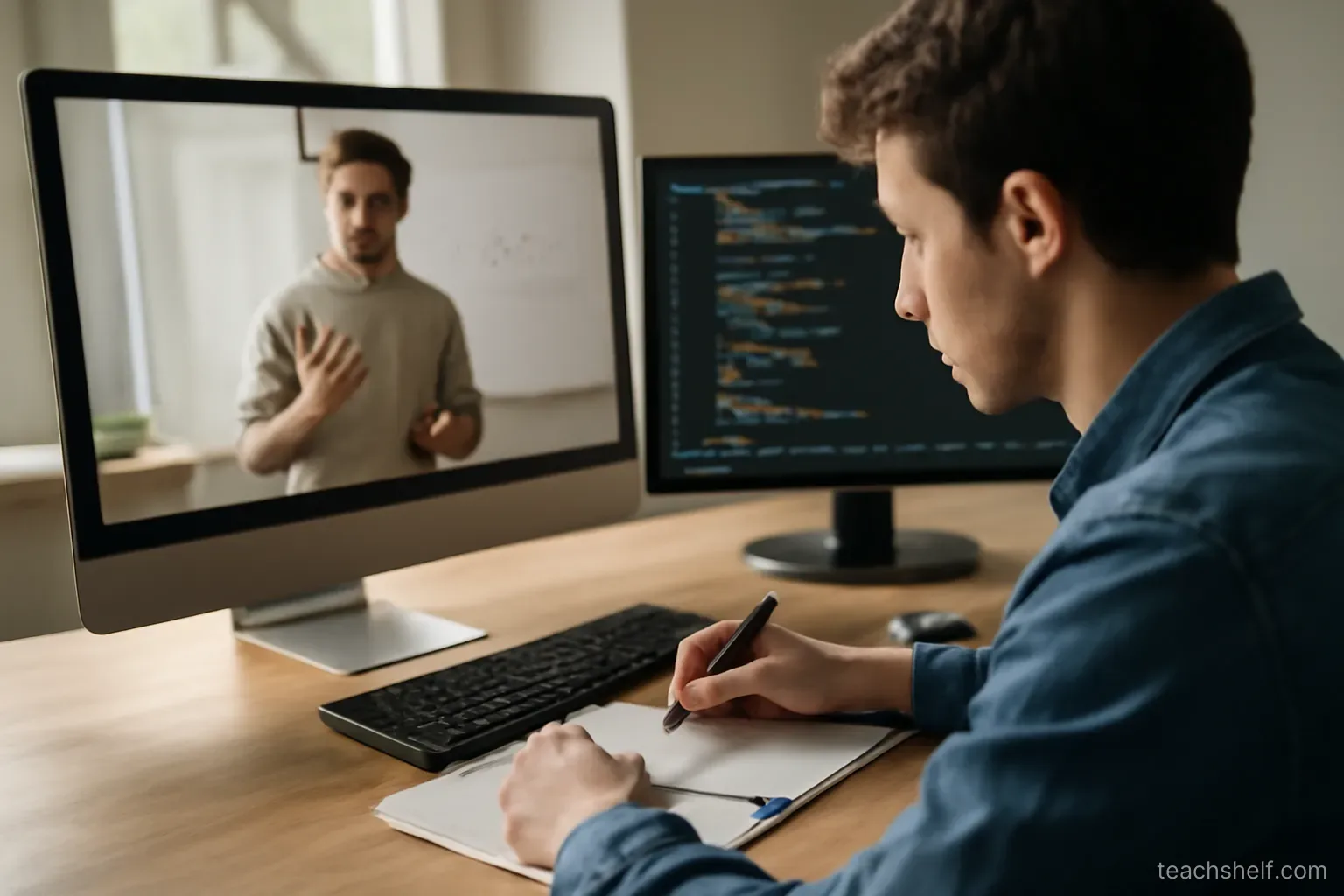
Most notes taken from video lessons are near-transcripts. They feel productive, take a long time, and are almost never read again.
The problem is that copying does not require understanding — you can write down a sentence perfectly while absorbing none of it.
What actually helps
- Write in your own words. The act of rephrasing is where the understanding happens; copying skips it entirely.
- Write less than you think you should. Notes are a tool for recall, not a record of the lesson — the lesson is already recorded.
- Note questions as they occur — the things you did not follow are more valuable than the things you did.
- Note how it connects to something you already know.
- Note what you would do with it. A note that ends in an action gets used.
A simple structure
For each lesson, three short sections:
- The main point — one or two sentences in your own words.
- Things I do not understand — questions to resolve.
- What I will do with this — the specific next action.
That is usually enough. It takes a few minutes and produces something you will actually reread.
When to pause
- Pause at the end of a section, not every thirty seconds. Constant pausing breaks the thread of the explanation.
- Watch a section through first, then write from memory. Writing from memory is far more effective than writing while watching, and it immediately reveals what you missed.
- Rewatch the part you could not summarise — that is precisely the part you did not understand.
- Do not pause to copy something on screen. Screenshot it and move on.
What not to write down
- Anything in the course materials already — link to it instead.
- Definitions available anywhere — unless the wording is doing something specific.
- Step-by-step sequences you will follow with the video open anyway.
- Everything the instructor said. This is the default and it is the least useful.
Reviewing
Notes never reviewed are notes never needed:
- Reread the previous lesson's notes before starting the next — two minutes, and it is the highest-value habit in this article.
- Test yourself from the questions rather than rereading the answers.
- Revisit at spaced intervals — after a day, a week, a month.
- Delete notes that turned out not to matter. A smaller set of notes gets reviewed; a large archive does not.
Turning notes into practice
The step that determines whether any of it mattered:
- Convert each main point into something you do.
- Do it within a few days — knowledge not applied within weeks fades regardless of how good the notes were.
- Keep a running list of things to try and work through it.
- If a lesson produces no action, that is worth noticing — either it was background, or you have not yet found the use.
Handwritten or typed
- Handwriting is slower, which forces summarising rather than transcribing — that constraint is an advantage.
- Typing is faster and searchable, but it makes near-transcription easy, which is the failure mode.
- If you type, set a limit — a few lines per lesson.
- Either works if you are rephrasing rather than copying. That is the variable that matters, not the medium.
For technical or practical subjects
- Note the why, not the steps. Steps are in the material; the reasoning usually is not.
- Note the mistakes you made while practising and what fixed them — this becomes your most valuable personal reference.
- Keep a separate file of things that went wrong and the solutions. You will consult it far more than your lesson notes.
- Save working examples you can return to.
One thing worth remembering
The value of a note is not in writing it. It is in the state you were in when you wrote it — deciding what mattered, phrasing it yourself, noticing what you did not follow.
Which means a page of perfect transcription is worth less than three honest lines.
FAQ
Why is transcribing a lesson ineffective?
Because copying does not require understanding — you can write a sentence perfectly while absorbing none of it. Rephrasing in your own words is where the understanding happens.
What should a lesson note contain?
Three short sections: the main point in your own words, things you did not understand, and what you will do with it.
When should I pause the video?
At the end of a section rather than every thirty seconds — and better still, watch a section through and write from memory, which immediately reveals what you missed.
What is the highest-value review habit?
Rereading the previous lesson's notes before starting the next one. Two minutes, and it makes everything else worth doing.
Handwriting or typing?
Either works if you are rephrasing rather than copying. Handwriting is slower, which forces summarising; typing makes near-transcription easy, which is the failure mode.